


Key Takeaways
- The lobby brings cash games, tournaments, and Spin & Go into one screen;
- Games can be searched and filtered by type, stakes, or format;
- Table details like player count and stakes show up before joining;
- Several tables can be managed and switched between from the same view;
- Everything updates live as seats fill and tournaments get closer to starting.
Open the lobby and track down a table that fits your stakes in a couple of clicks.
Structure of the Online ACR Poker Lobby
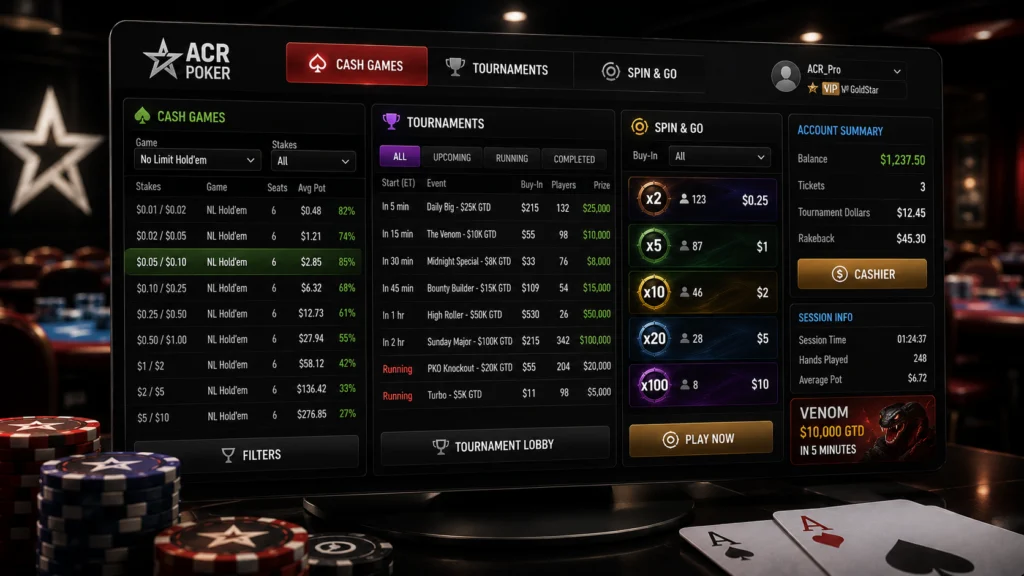
The online ACR Poker lobby splits into a handful of sections rather than one long list to scroll through, which keeps things manageable even when things get busy. The main layout usually breaks down into:
- A cash games section organized by stakes and current activity;
- A tournaments tab covering upcoming and running events;
- A Spin & Go area for quick, randomized payout games;
- An account summary showing balance and session details.
Each section runs independently, so hopping from tournaments over to cash tables doesn’t mean leaving the lobby or waiting on anything to reload.
Searching and Filtering Games in the Lobby
Tracking down a specific game gets a lot quicker once search and filters come into play. Typing in a stake range or game type trims the list down almost instantly, clearing out anything that doesn’t match. Filters stack on top of search too, so combining something like format and seat count narrows things down to a shorter, more useful list instead of scrolling through everything on offer. After ACR Poker login, these search and filtering tools are immediately available, helping players find the right table within seconds. Anyone who plays the same stakes regularly will probably find the same filter combination becomes second nature after just a session or two.
Reading Table Information Before You Join
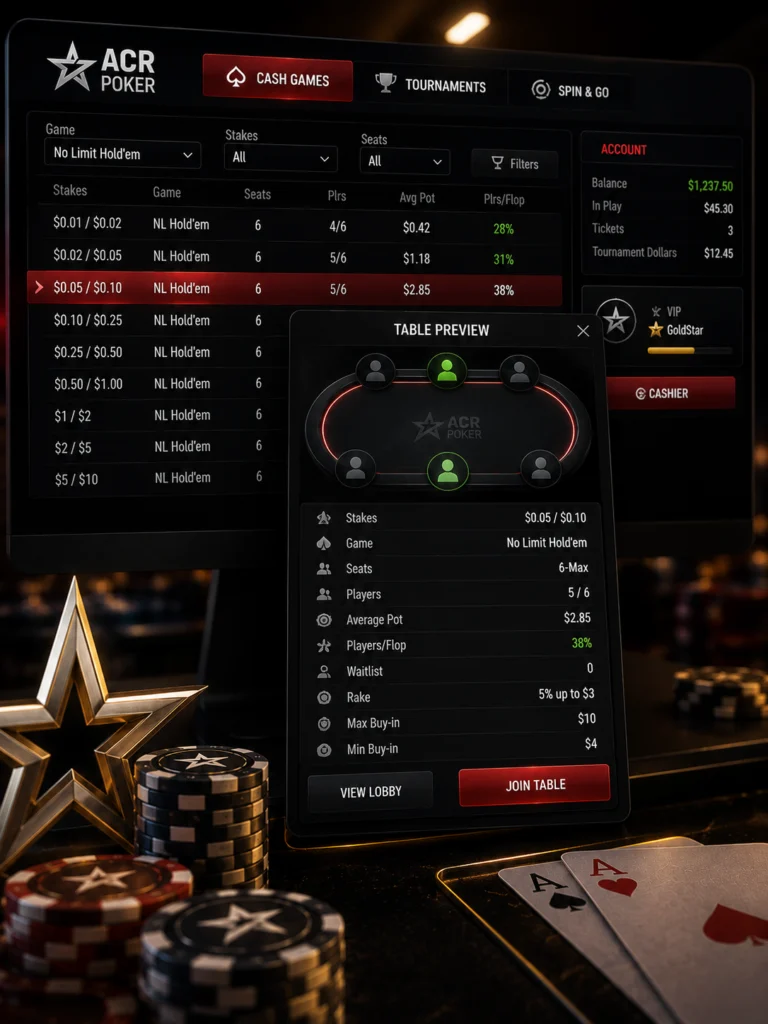
Before sitting down anywhere, a quick glance at the listed details usually covers most of what’s worth knowing. Player count shows how full a table is right now, and the stakes and buy-in range confirm whether it actually fits the bankroll in question. Average pot size sometimes shows up as well, giving a rough sense of whether the action tends to run loose or tight at that table. None of this needs an actual seat first – the preview handles the basics before there’s any commitment involved.
Managing Multiple Tables from the Lobby
Running several tables at once is pretty common for players chasing more volume, and the lobby ACR Poker view is built to handle switching between them without much hassle. Tabs along the top make jumping from one open table to another quick, and the lobby itself stays reachable in the background even while a seat’s already taken somewhere. Handling things this way tends to work out better than juggling separate windows, since it all stays organized inside one view.
| Feature | What It Enables |
|---|---|
| Table tabs | Quick switching between open games |
| Background lobby access | Browse new tables while already seated |
| Search and filter | Faster narrowing of available games |
| Table preview | Stakes and player count before joining |